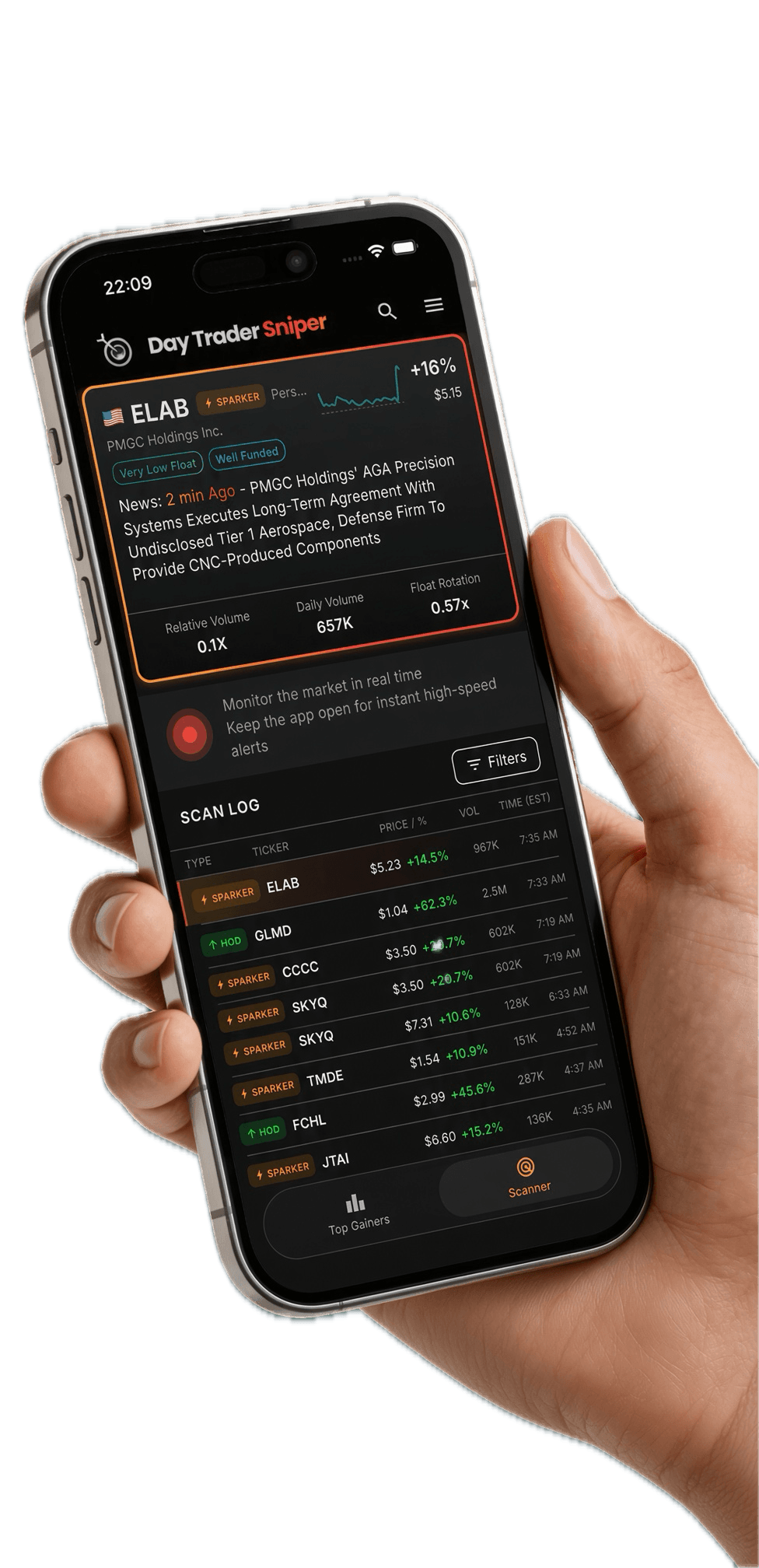
How to get started
Open the app, find Home, Top gainers, and the Scanner, and start a trading session on iPhone or Android if you want alerts while the app is in the background.
Resources
How to use Day Trader Sniper: getting started, Scanner and Scan Log, the Entry Checklist, alerts, and troubleshooting. Same articles as in the app.
Getting started
Open the app, find Home, Top gainers, and the Scanner, and start a trading session on iPhone or Android if you want alerts while the app is in the background.
Scanner and Scan Log
Entry Checklist
Email support@daytradersniper.com. This is the public contact path for Help & Tutorials.
Sparker sounds an audio alert as a move begins, so you can act while it is still forming.